






















Table of Contents:
What is the laser pointer on the JUKI UX8 sewing machine?
The JUKI HZL-UX8, also called the Kirei UX8, is a high-end sewing machine designed to combine comfort, performance, and precision. One of its most innovative accessories is its integrated laser pointer, which allows you to sew along a straight line with remarkable precision. This guide explains how to install, activate, and use the laser on the JUKI UX8 effectively.
You can find the installation of this laser on our Verotex YouTube channel.
What is the laser on the JUKI UX8?
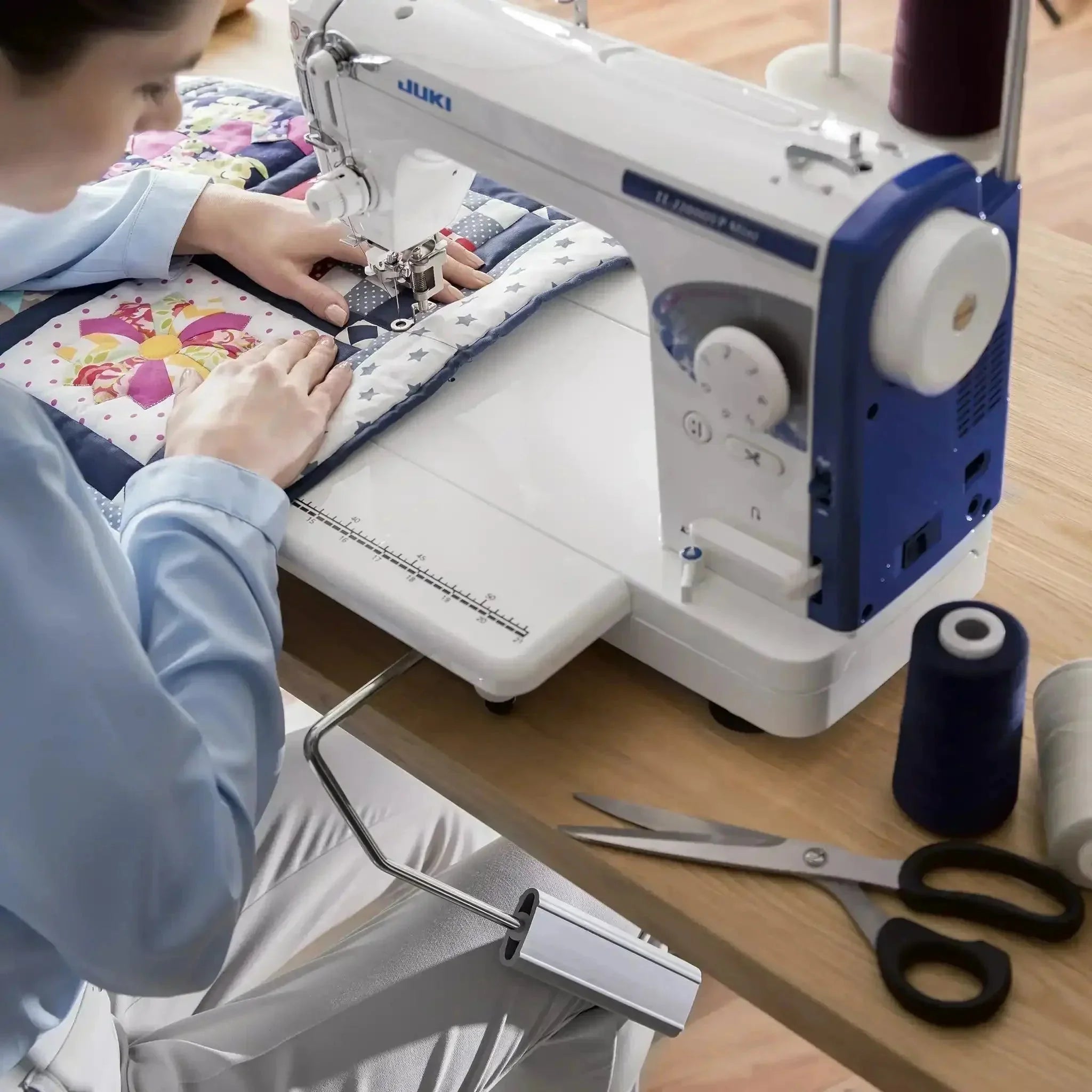
The guidance laser is a green line projected vertically onto your fabric to serve as a visual guide. It replaces chalk or pen sewing marks, saving you time and improving the precision of your seams. Combined with a Juki overlocker, this system becomes a real asset for creating neat, professional finishes, even on the most technical fabrics.
Install the laser side bracket
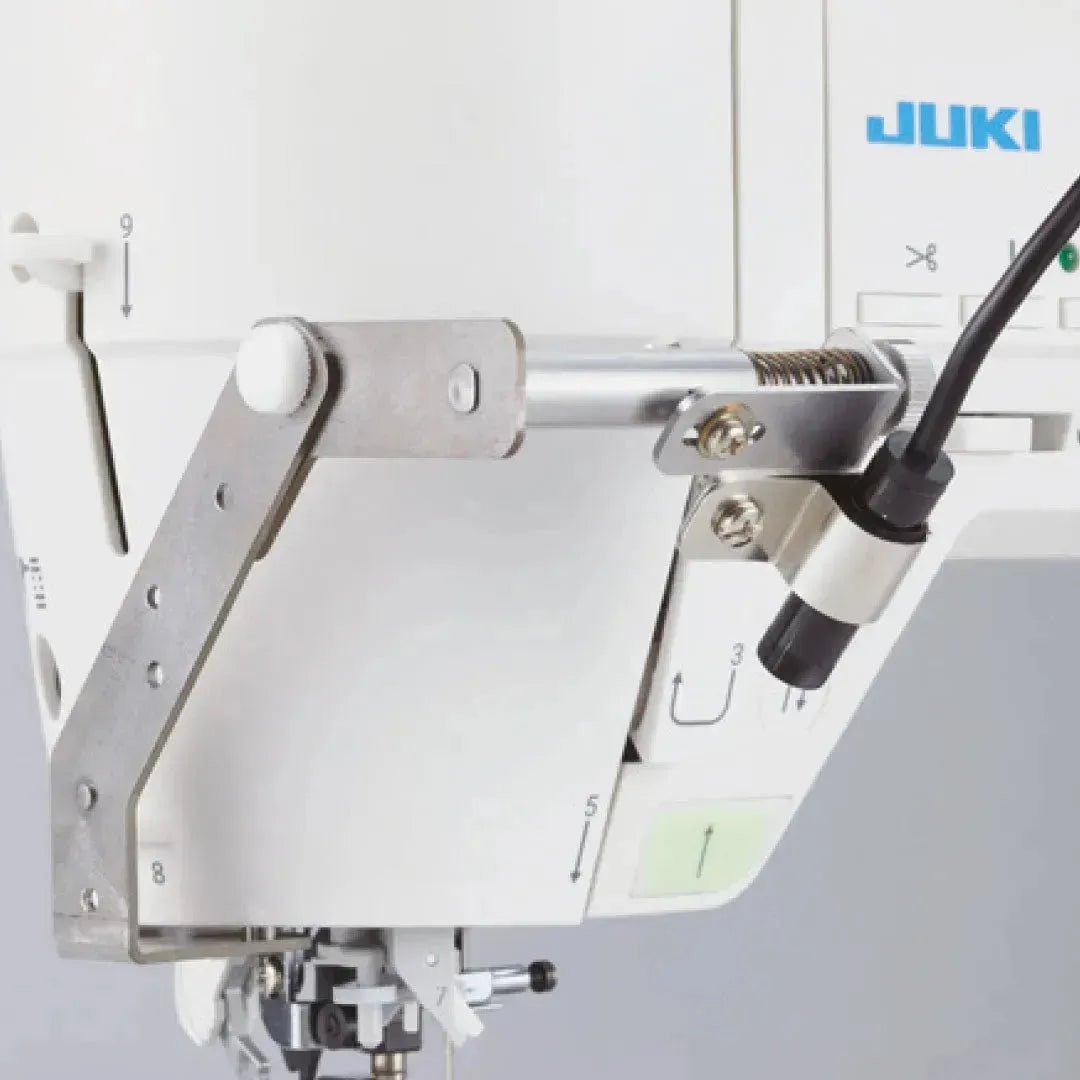
Before using the laser, you must install the side bracket supplied with the machine.
Step 1: Locate the mounting points
Look at the left side of your sewing machine's base. You will find two small threaded holes specifically designed to accommodate the laser's metal bracket.


Step 2: Attach the metal bracket
Take the metal side bracket and the screws supplied with your machine. Firmly screw the bracket into the slot provided for this purpose. Make sure it is stable and does not slide.

Step 3: Slide the laser unit into place
Once the bracket is in place, gently slide the laser unit onto the arm of the metal bracket until it is properly positioned.

Step 4: Connect the laser
On the right side of the device, you will find a USB port for connecting the laser to the device.


Step 5: Orient the laser correctly
Adjust the laser's orientation according to your needs. Make sure the green beam is perfectly vertical; several settings are available to ensure that the laser is properly aligned. This type of precision is particularly useful when working with a Juki coverstitch machine, where perfect fabric alignment ensures neat, professional finishes, especially for decorative stitching or double hems.


Leave a comment
This site is protected by hCaptcha and the hCaptcha Privacy Policy and Terms of Service apply.